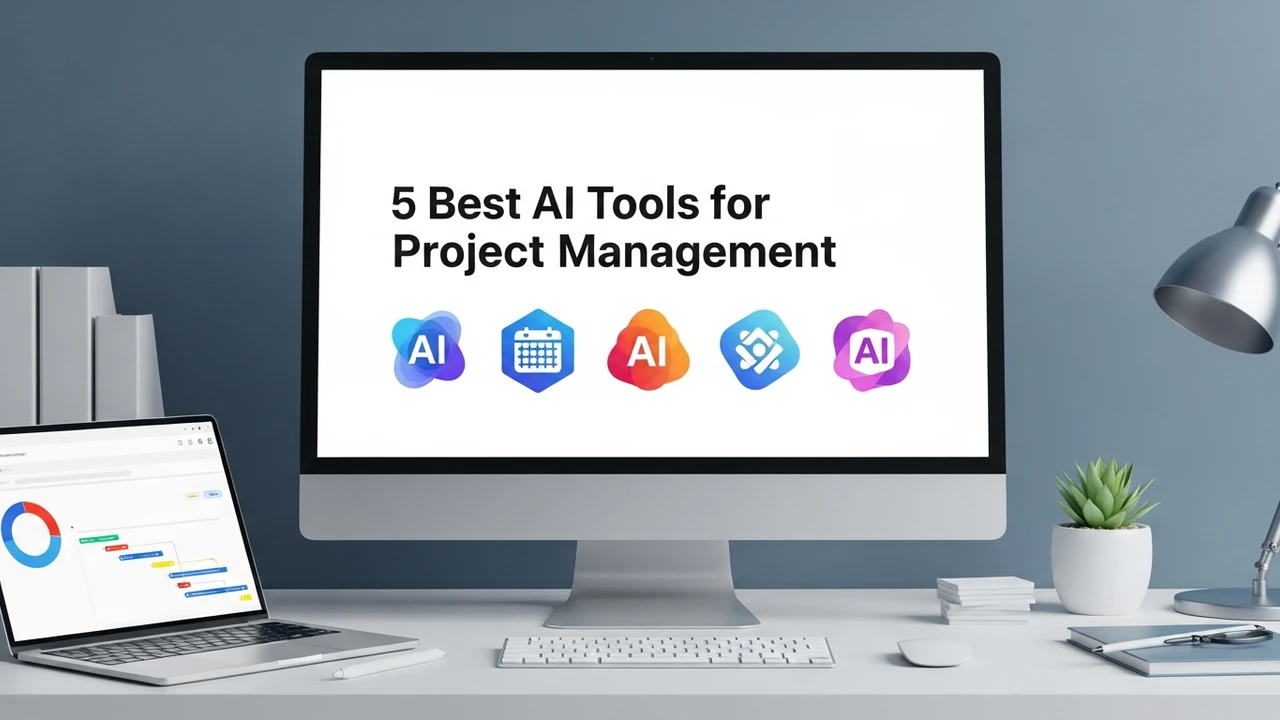
5 Best AI Tools for Project Management
Boost team efficiency with the 5 best AI project management tools. Discover how to automate tasks, scheduling, and progress tracking.
Boost team efficiency with the 5 best AI project management tools. Discover how to automate tasks, scheduling, and progress tracking.
5 Best AI Tools for Project Management
Let’s be real for a second. Managing a project is hard. You’ve got deadlines, team members in different time zones, endless email threads, and that one task that always seems to slip through the cracks. If you’re still manually updating spreadsheets or chasing people for status updates, you’re doing it the hard way. The good news? AI has finally entered the project management space, and it’s a total game-changer. It’s not just about fancy dashboards anymore; it’s about having a digital assistant that actually does the heavy lifting for you.
Why AI Project Management Tools Are Essential for Modern Teams
Think about how much time you spend on administrative busywork. Scheduling meetings, reassigning tasks when someone is out, or trying to figure out why a project is behind schedule—these are all things that eat up your day. AI tools change the game by predicting bottlenecks before they happen. They analyze your team’s velocity, suggest better timelines, and even draft status reports. It’s like having a project manager who never sleeps and doesn't need coffee breaks.
Top 5 AI Project Management Tools You Need to Try
If you’re looking to upgrade your workflow, here are the heavy hitters currently dominating the market.
1. ClickUp AI
ClickUp has always been the "one app to replace them all," but their AI integration takes it to another level. It can summarize long comment threads, generate subtasks from a single prompt, and even write project briefs for you. It’s perfect for teams that want everything in one place. Pricing starts at around $7 per user/month for the AI add-on.
2. Asana Intelligence
Asana is the gold standard for visual project tracking, and their AI features are all about clarity. It helps you identify risks in your project plan and provides smart status updates. If you’re a visual learner who loves Gantt charts and Kanban boards, this is your best bet. It’s a bit pricier, usually starting at $10.99 per user/month, but the interface is incredibly intuitive.
3. Monday.com AI
Monday.com is famous for its flexibility, and its AI assistant is great at automating repetitive workflows. Need to generate a formula for a complex board? The AI does it. Need to summarize a massive project update? Done. It’s great for teams that need custom workflows. Pricing is tiered, but you’re looking at roughly $9 per user/month for the core features.
4. Notion AI
If your team lives in documents, Notion is the place to be. Notion AI isn't just for writing; it’s for organizing your entire knowledge base. It can turn a messy meeting transcript into a structured project plan in seconds. It’s incredibly affordable, usually an $8-10 add-on per member.
5. Wrike AI
Wrike is built for enterprise-level complexity. Its AI is designed to predict project delays and suggest resource allocation. If you’re managing massive teams with complex dependencies, Wrike is the tool that keeps the ship from sinking. It’s on the higher end of the price spectrum, often requiring a custom quote for larger teams.
Comparing AI Project Management Features and Use Cases
Choosing the right tool depends on your team's specific needs. If you’re a startup, ClickUp or Notion might be your best friend because they are so versatile. If you’re a larger agency, Asana or Wrike will give you the structure you need to keep everyone on the same page. The key is to look at your current pain points. Are you struggling with communication? Go for something with strong AI summarization like Notion. Are you struggling with deadlines? Go for something with predictive analytics like Wrike or Asana.
How to Implement AI in Your Daily Workflow
Don't try to change everything overnight. Start small. Pick one task—like writing meeting summaries or drafting project plans—and let the AI handle it for a week. Once you see how much time you save, you’ll naturally start finding other areas to automate. The goal isn't to let the AI do your job, but to let it handle the boring stuff so you can focus on the creative work that actually moves the needle. It’s about working smarter, not harder, and honestly, once you start using these tools, you’ll wonder how you ever managed without them.
:max_bytes(150000):strip_icc()/277019-baked-pork-chops-with-cream-of-mushroom-soup-DDMFS-beauty-4x3-BG-7505-5762b731cf30447d9cbbbbbf387beafa.jpg)