Top 5 AI Image Editors for Quick Retouching
Save time on photo editing with these 5 best AI image editors. Discover tools that automate background removal, object replacement, and color correction.
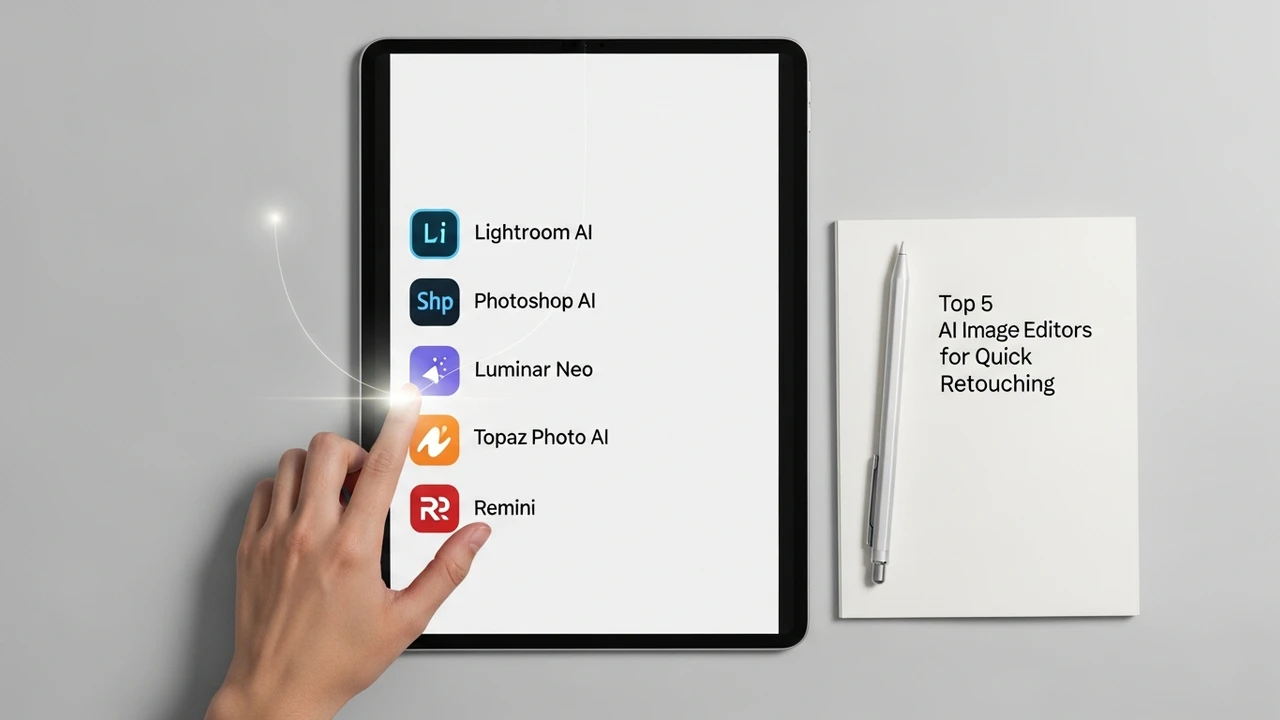
Top 5 AI Image Editors for Quick Retouching
Save time on photo editing with these 5 best AI image editors. Discover tools that automate background removal, object replacement, and color correction.
Why AI Image Editors Are Changing the Game for Creatives
If you have ever spent hours manually masking hair in Photoshop or painstakingly removing a stray tourist from your vacation photo, you know the struggle. The era of manual pixel-pushing is rapidly fading, replaced by AI-powered tools that can perform complex edits in seconds. Whether you are a professional photographer, a social media manager, or just someone who wants their Instagram feed to look a bit more polished, AI image editors are no longer a luxury—they are a necessity. These tools leverage machine learning to understand the context of an image, allowing them to distinguish between subjects, backgrounds, and lighting conditions with uncanny accuracy.
Adobe Photoshop Generative Fill and AI Features
Adobe remains the industry standard, but its recent integration of Firefly AI has completely transformed how we use it. The Generative Fill feature is arguably the most powerful tool in the current market. You can simply select an area, type a prompt, and watch as the AI generates realistic content that matches the lighting, perspective, and texture of your original image. It is perfect for extending backgrounds, adding clothing to models, or removing unwanted objects without leaving a trace. Pricing starts at $20.99 per month for the Creative Cloud Photography plan, which is a steal considering the sheer power you get.
Canva Magic Studio for Quick Social Media Edits
Canva has evolved from a simple design tool into a powerhouse for non-designers. Their Magic Studio suite is packed with AI features that make quick retouching a breeze. The Magic Eraser tool is incredibly intuitive—just brush over an object, and it vanishes. Magic Edit allows you to swap out elements, like changing a shirt color or replacing a flower with a coffee cup. It is ideal for social media managers who need to churn out high-quality content on a tight deadline. Canva Pro costs about $12.99 per month, offering a massive library of assets alongside these AI capabilities.
Luminar Neo for Professional AI Retouching
Luminar Neo is built specifically for photographers who want AI-driven results without the steep learning curve of Photoshop. Its standout features include Sky AI, which can replace a dull, gray sky with a stunning sunset in one click, and Face AI, which automatically enhances skin texture, whitens teeth, and brightens eyes without making the subject look like a plastic doll. It is a standalone software that also works as a plugin for Lightroom and Photoshop. You can purchase a lifetime license for around $149 or opt for a subscription model, making it a flexible choice for different budgets.
Pixlr AI Tools for Web Based Editing
If you do not want to install heavy software, Pixlr is your best bet. It is a browser-based editor that has integrated impressive AI tools. Their AI background remover is surprisingly fast and accurate, even with complex edges. The AI generative fill and object removal tools are perfect for quick fixes on the go. Because it runs in your browser, it is accessible from any device, making it a favorite for remote teams. Pixlr offers a generous free tier, with premium plans starting at just $4.99 per month, providing excellent value for casual users.
Fotor AI Photo Editor for Beginners
Fotor is another fantastic option that focuses on ease of use. It is essentially a one-stop shop for quick retouching. Their AI retouching tool can automatically smooth skin, remove blemishes, and even apply makeup effects. The AI background remover and object remover are also top-tier. What makes Fotor stand out is its simplicity; you do not need to be a tech wizard to get professional-looking results. It is perfect for e-commerce sellers who need to clean up product photos quickly. Fotor Pro costs around $3.33 per month when billed annually, making it one of the most affordable options on this list.
Comparing AI Image Editors for Your Workflow
Choosing the right tool depends entirely on your specific needs. If you are a professional designer, Adobe Photoshop is non-negotiable due to its depth and integration. If you are a social media creator, Canva is likely your best friend because of its speed and asset library. For photographers who want to save time on post-processing, Luminar Neo is the clear winner. If you are on a budget or need something quick and web-based, Pixlr and Fotor are excellent alternatives. Think about your daily tasks—do you need to remove backgrounds, fix lighting, or generate new elements? Once you identify your primary pain point, the choice becomes much clearer.
The Future of AI Retouching and Creative Efficiency
We are only at the beginning of what AI can do for image editing. As these models become more sophisticated, we will see even better integration with video and 3D assets. The goal is to remove the friction between your creative vision and the final output. By automating the tedious parts of the process, these tools free you up to focus on the actual creative direction. It is an exciting time to be a creator, and these five tools are just the start of a much larger shift in how we interact with digital imagery.
:max_bytes(150000):strip_icc()/277019-baked-pork-chops-with-cream-of-mushroom-soup-DDMFS-beauty-4x3-BG-7505-5762b731cf30447d9cbbbbbf387beafa.jpg)