Top 5 AI Tools for Audio Mixing
Improve your mix with the 5 best AI audio mixing tools. Discover how to automate levels, panning, and EQ for a professional sound.
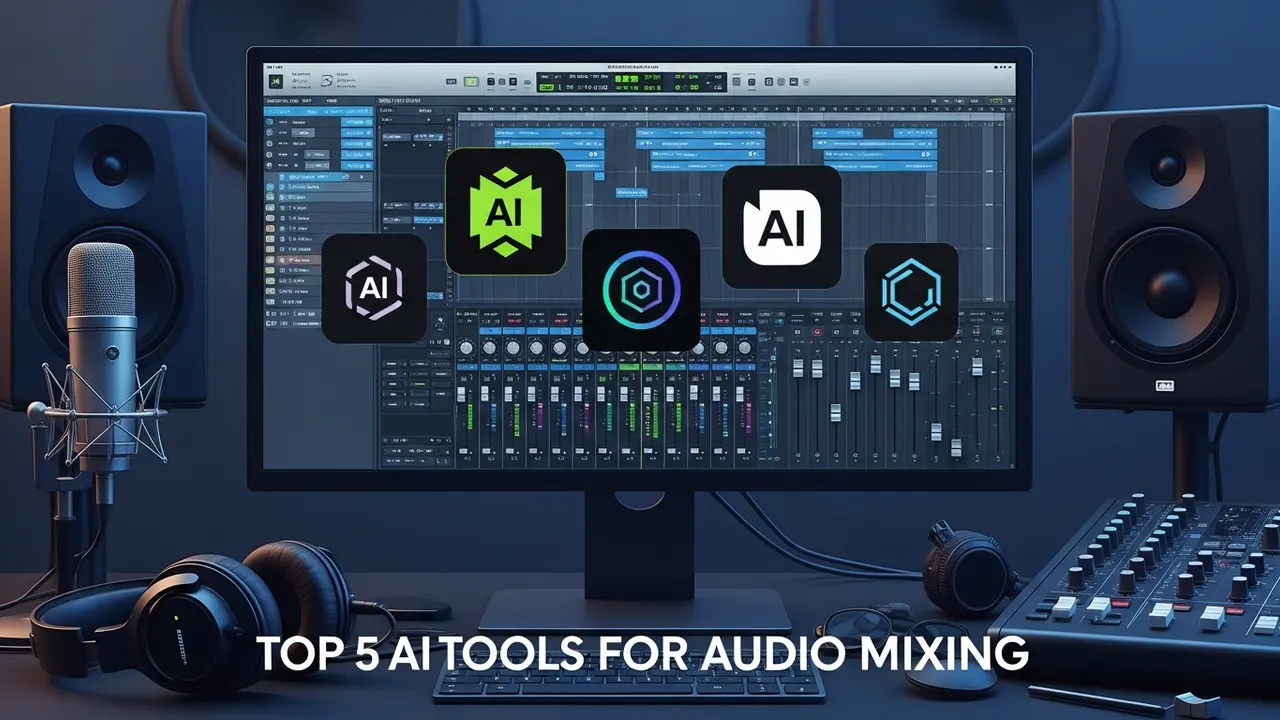
Top 5 AI Tools for Audio Mixing
Improve your mix with the 5 best AI audio mixing tools. Discover how to automate levels, panning, and EQ for a professional sound.
Let’s be real: audio mixing is hard. You spend hours tweaking EQ bands, fighting with compression ratios, and trying to get that perfect balance where the vocals sit just right above the bass. It’s an art, sure, but it’s also a massive time sink. That’s where AI audio mixing tools come in. They aren't here to replace your ears, but they are here to do the heavy lifting so you can focus on the creative side of things. Whether you are a bedroom producer or a seasoned engineer, these tools are changing the game.
Understanding AI Audio Mixing and Automated EQ
When we talk about AI in mixing, we are usually talking about machine learning algorithms that have been trained on thousands of professional tracks. These tools analyze your audio signal and make intelligent decisions about frequency balance, dynamic range, and spatial positioning. Automated EQ, for instance, can identify muddy frequencies in your mix and carve them out in milliseconds, something that might take a human ten minutes of trial and error. It’s about getting a clean, balanced starting point so you can get to the fun stuff faster.
Top 5 AI Audio Mixing Tools for Modern Producers
If you are looking to upgrade your studio workflow, here are the top contenders that are currently leading the market.
1. iZotope Neutron 4: This is the industry standard. It features an 'Assistant' view that listens to your track and creates a custom signal chain. It’s incredibly powerful for balancing levels and fixing masking issues between instruments.
2. Sonible smart:EQ 4: This tool is a lifesaver for spectral balancing. It uses AI to analyze your audio and apply subtle, transparent EQ curves that make your tracks sound 'finished' without the harshness of manual boosting.
3. Waves Clarity Vx: While primarily for noise reduction, its AI-driven processing is essential for cleaning up vocal tracks before they even hit the mix bus. It’s like having a professional studio environment in a plugin.
4. Baby Audio TAIP: This AI-powered tape saturation plugin adds that elusive 'analog warmth' to digital mixes. It uses neural networks to emulate the non-linear behavior of tape machines, making your digital tracks sound glued together.
5. Accentize PreTube: Another great option for adding character. It uses machine learning to model the harmonic distortion of tube preamps, giving your mix that expensive, high-end sheen.
Comparing AI Mixing Software Features and Pricing
Choosing the right tool depends on your budget and your specific needs. iZotope Neutron 4 is a comprehensive suite, usually priced around $299, but it covers everything from compression to gating. If you are on a tighter budget, Sonible’s smart:EQ 4 is often available for around $129 and offers a more focused, surgical approach to EQ. Waves plugins are frequently on sale, often dropping to $29-$49, making them the most accessible entry point for beginners. When comparing these, think about whether you need an 'all-in-one' solution like Neutron or specialized tools that solve specific problems in your chain.
Practical Use Cases for AI Mixing Plugins
Imagine you have a podcast with three different guests, all recorded in different rooms with different microphones. Manually leveling those voices and matching their EQ profiles is a nightmare. With an AI tool like Neutron, you can apply a 'Mix Assistant' to each track, and it will automatically balance the levels and EQ to create a cohesive soundstage. Or, if you are mixing a rock track, using an AI saturator on your drum bus can instantly add the punch and grit that usually requires expensive outboard gear. These tools are perfect for when you are 'in the zone' and don't want to get bogged down by technical minutiae.
Getting the Best Results with AI Audio Processing
The secret to using these tools is to treat them as a starting point, not the final word. Always listen to what the AI suggests and ask yourself if it serves the song. Sometimes the AI might be too aggressive with compression or too surgical with EQ. Use the 'mix' or 'dry/wet' knobs to blend the AI processing with your original signal. This way, you get the technical precision of the machine with the human touch that makes music feel alive. Don't be afraid to tweak the settings after the AI has done its initial pass—that’s where the real magic happens.
:max_bytes(150000):strip_icc()/277019-baked-pork-chops-with-cream-of-mushroom-soup-DDMFS-beauty-4x3-BG-7505-5762b731cf30447d9cbbbbbf387beafa.jpg)