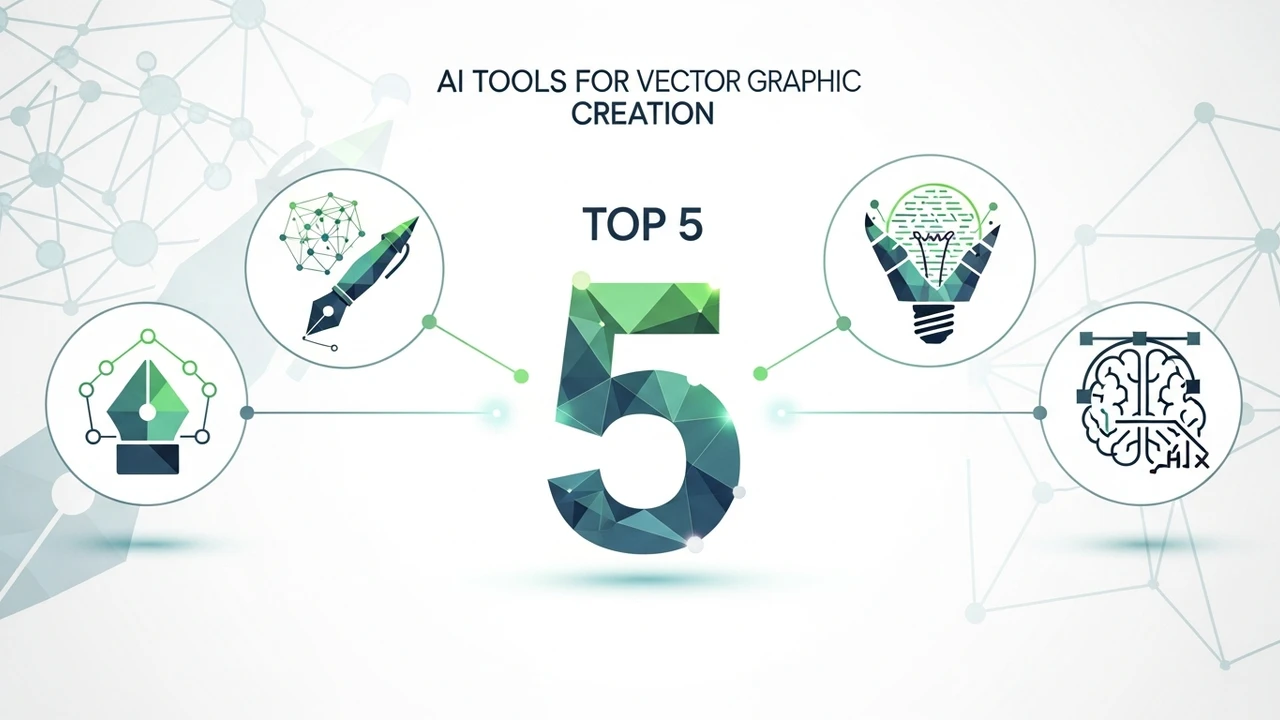
Top 5 AI Tools for Vector Graphic Creation
Discover the 5 best AI tools for generating scalable vector graphics. Perfect for illustrators and web designers needing high-quality assets.
Discover the 5 best AI tools for generating scalable vector graphics. Perfect for illustrators and web designers needing high-quality assets.
Top 5 AI Tools for Vector Graphic Creation
If you have ever spent hours manually tracing paths in Adobe Illustrator or struggling to get those perfect Bezier curves, you know the pain of vector design. The good news is that the landscape of digital design is shifting rapidly. We are moving away from pixel-perfect manual labor toward AI-assisted creativity. Whether you are a professional graphic designer, a web developer, or a small business owner trying to build a brand, AI vector tools are becoming essential. Let’s dive into the best options available right now to help you scale your workflow.
Understanding AI Vector Generation and Scalability
Before we jump into the tools, let’s talk about why vector graphics matter. Unlike raster images (JPEGs or PNGs), vectors are based on mathematical equations. This means you can scale them to the size of a billboard or shrink them to a tiny favicon without losing a single bit of quality. AI has finally caught up to this complexity. Modern AI vector generators don't just create flat images; they generate paths, nodes, and anchor points that you can actually edit. This is a game-changer for anyone who needs clean, professional assets for print or web.
1 Adobe Illustrator Text to Vector Graphic
Adobe is the industry standard for a reason. Their integrated 'Text to Vector Graphic' feature, powered by Adobe Firefly, is arguably the most seamless tool for professionals. You don't have to leave your workspace. You simply type a prompt, and it generates editable vector shapes directly on your artboard. It understands styles, icons, and complex illustrations. The best part? It respects your existing color palettes and layer structures. Pricing is part of the Creative Cloud subscription, starting at around $22.99 per month. It is perfect for designers who already live in the Adobe ecosystem.
2 Vectorizer AI
Sometimes you don't need to create from scratch; you need to convert. Vectorizer AI is the king of bitmap-to-vector conversion. If you have a low-resolution sketch or a pixelated logo, this tool uses deep learning to trace it into a clean, scalable SVG. It is incredibly fast and surprisingly accurate with complex gradients and shapes. It is a web-based tool, making it accessible from any browser. They offer a credit-based pricing model, which is great if you only need it for occasional projects. It is a must-have for anyone dealing with legacy assets or hand-drawn concepts.
3 Kittl
Kittl is more than just a vector tool; it is a full-blown design platform that feels like a more intuitive, AI-powered version of Canva. Their AI vector generator allows you to create logos, t-shirt designs, and posters with ease. What sets Kittl apart is the 'AI-generated vector' quality—it feels more artistic and less 'robotic' than other tools. You can easily swap colors, change fonts, and manipulate the generated paths. They have a generous free tier, with Pro plans starting at $15 per month. It is ideal for social media managers and print-on-demand entrepreneurs.
4 Recraft AI
Recraft is currently the darling of the design community for a reason. It is specifically built for vector generation. Unlike general-purpose AI tools, Recraft allows you to control the style, the number of colors, and even the complexity of the paths. You can generate icons, illustrations, and even 3D-style vectors that are fully editable. The interface is clean and professional. They offer a free plan for public projects and a paid tier for private, commercial use starting at $20 per month. If you are a UI/UX designer, this is the tool you have been waiting for.
5 Microsoft Designer
Microsoft Designer is the dark horse in this race. It uses DALL-E 3 technology to generate high-quality visuals that can be converted into vector-like assets. While it is more focused on layout and social media graphics, its ability to generate clean, flat-style illustrations is impressive. It is currently free to use with a Microsoft account, making it the most accessible option on this list. It is perfect for quick brainstorming sessions or creating simple assets for presentations and blog posts.
Comparing AI Vector Tools for Your Workflow
Choosing the right tool depends entirely on your specific needs. If you are a professional designer, Adobe Illustrator is non-negotiable because of its integration. If you are a freelancer looking for speed and ease of use, Kittl or Recraft are your best bets. For those who need to salvage old files, Vectorizer AI is the clear winner. Think about your daily tasks: do you need to create from scratch, or do you need to convert existing work? That single question will guide your choice. Remember, these tools are meant to be assistants, not replacements. Use them to handle the tedious path-tracing, and spend your energy on the creative direction and final polish.
:max_bytes(150000):strip_icc()/277019-baked-pork-chops-with-cream-of-mushroom-soup-DDMFS-beauty-4x3-BG-7505-5762b731cf30447d9cbbbbbf387beafa.jpg)