5 Best AI Tools for Texture Generation in 3D
Enhance your 3D models with these 5 best AI texture generators. Learn how to create seamless materials for games and digital art.
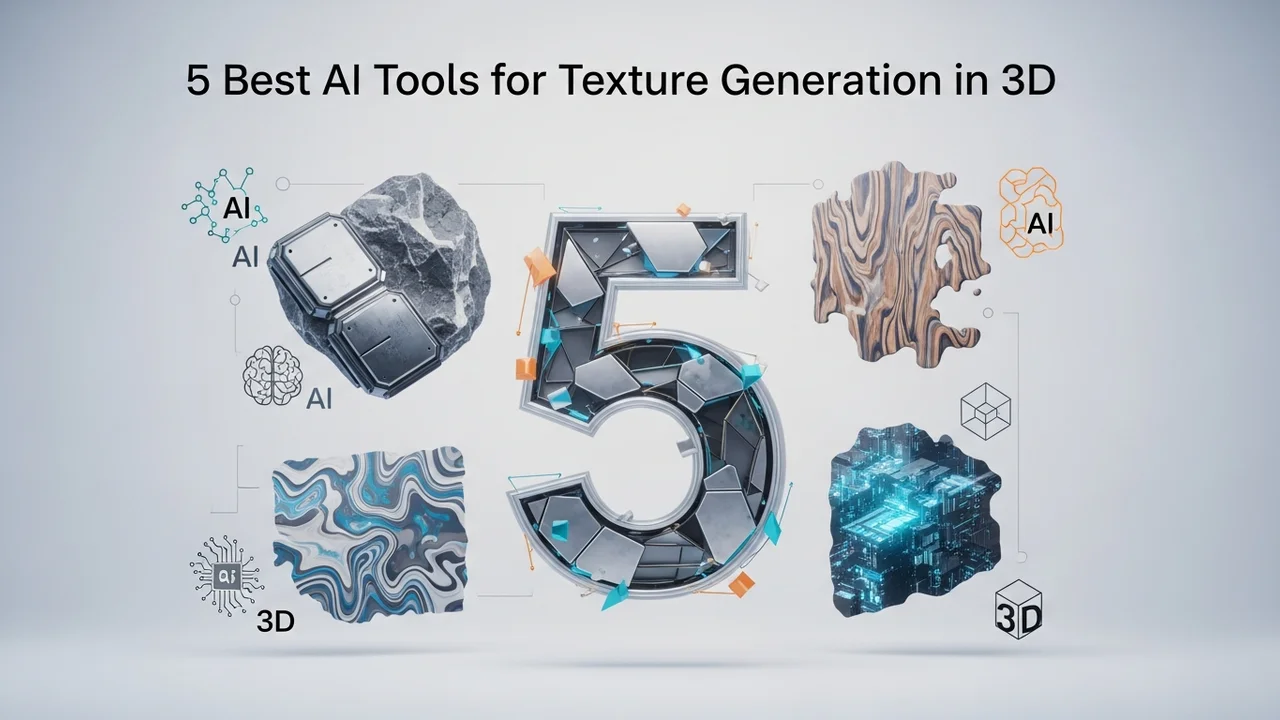
5 Best AI Tools for Texture Generation in 3D
Enhance your 3D models with these 5 best AI texture generators. Learn how to create seamless materials for games and digital art.
Why AI Texture Generation is Changing 3D Design
If you have ever spent hours tweaking nodes in a shader editor or hunting for the perfect seamless texture on stock sites, you know the pain of 3D texturing. It is often the most time-consuming part of the pipeline. Enter AI texture generation. These tools are essentially magic for 3D artists, allowing you to type a prompt like 'weathered concrete with moss' and get a high-quality, PBR-ready material in seconds. Whether you are working in Blender, Unreal Engine, or Unity, these tools are becoming essential for speeding up your workflow.
Top 5 AI Texture Generators for 3D Artists
Let’s dive into the best tools currently dominating the market. Each of these offers something unique, from text-to-material capabilities to advanced upscaling.
1. Polycam
Polycam started as a photogrammetry app, but its AI texture generation features have made it a powerhouse. It is incredibly user-friendly. You can capture real-world objects with your phone and turn them into textures, or use their AI to generate synthetic materials. It is perfect for mobile-first creators who need assets on the go. Pricing starts with a free tier, with Pro plans around $15/month.
2. Adobe Substance 3D Sampler
This is the industry standard. Adobe has integrated powerful AI into Sampler that allows you to turn a single photo into a fully tiled, PBR material. It automatically generates height, normal, and roughness maps. It is a bit more expensive, usually part of the Creative Cloud suite, but for professional studios, it is non-negotiable.
3. Leonardo AI
While known for 2D art, Leonardo AI has a fantastic 'Texture Generation' mode. You can upload a UV map or a 3D model and have the AI paint the texture directly onto the mesh. It is great for stylized games. They offer a generous free daily allowance, with paid tiers starting at $10/month.
4. CSM AI
CSM (Common Sense Machines) is doing some wild things with 3D. Their AI doesn't just generate flat textures; it understands 3D geometry. You can feed it an image, and it will generate a 3D asset with textures already applied. It is a game-changer for rapid prototyping. They have a freemium model that is very accessible for indie devs.
5. Materialize
If you want a free, open-source option, Materialize is the king. It is a standalone tool that takes a diffuse map and generates all the other maps you need (height, metallic, smoothness, etc.). It is not 'AI' in the generative sense like the others, but it uses smart algorithms to do the heavy lifting. It is completely free and perfect for students.
Comparing AI Texture Tools for Different Use Cases
Choosing the right tool depends on your specific project. If you are doing high-end architectural visualization, Adobe Substance 3D Sampler is your best bet because of its precision and control. If you are an indie game developer working on a stylized project, Leonardo AI or CSM AI will save you weeks of manual painting. For those who need to capture real-world textures, Polycam is the clear winner. Always consider your pipeline—if you need seamless tiling for large environments, prioritize tools that offer 'tiling' or 'offset' features in their AI settings.
Pricing and Accessibility for 3D Creators
Most of these tools operate on a subscription model. Adobe is the most expensive but offers the most robust ecosystem. Leonardo AI and Polycam are mid-range, offering great value for the price. Materialize is the budget-friendly hero. Before committing to a monthly fee, always check if the tool offers a free trial or a limited free tier. Many of these platforms also offer 'pay-as-you-go' credits, which is great if you only need to generate textures for a specific project rather than a full-time workflow.
Tips for Getting the Best Results from AI Textures
To get the most out of these tools, your prompts matter. Don't just type 'wood.' Type 'dark oak wood planks, weathered, high resolution, PBR, 4k, seamless, top-down view.' The more descriptive you are, the better the AI understands the lighting and surface details. Also, always check the generated maps in your 3D software. Sometimes the AI might generate a great diffuse map but a noisy normal map. Don't be afraid to mix and match—use the AI for the base, and then tweak the maps manually in your favorite 3D software to get that perfect look.
:max_bytes(150000):strip_icc()/277019-baked-pork-chops-with-cream-of-mushroom-soup-DDMFS-beauty-4x3-BG-7505-5762b731cf30447d9cbbbbbf387beafa.jpg)