5 Best AI Tools for Time Management
Optimize your schedule with the 5 best AI time management tools. Learn how to block time, prioritize tasks, and avoid burnout.
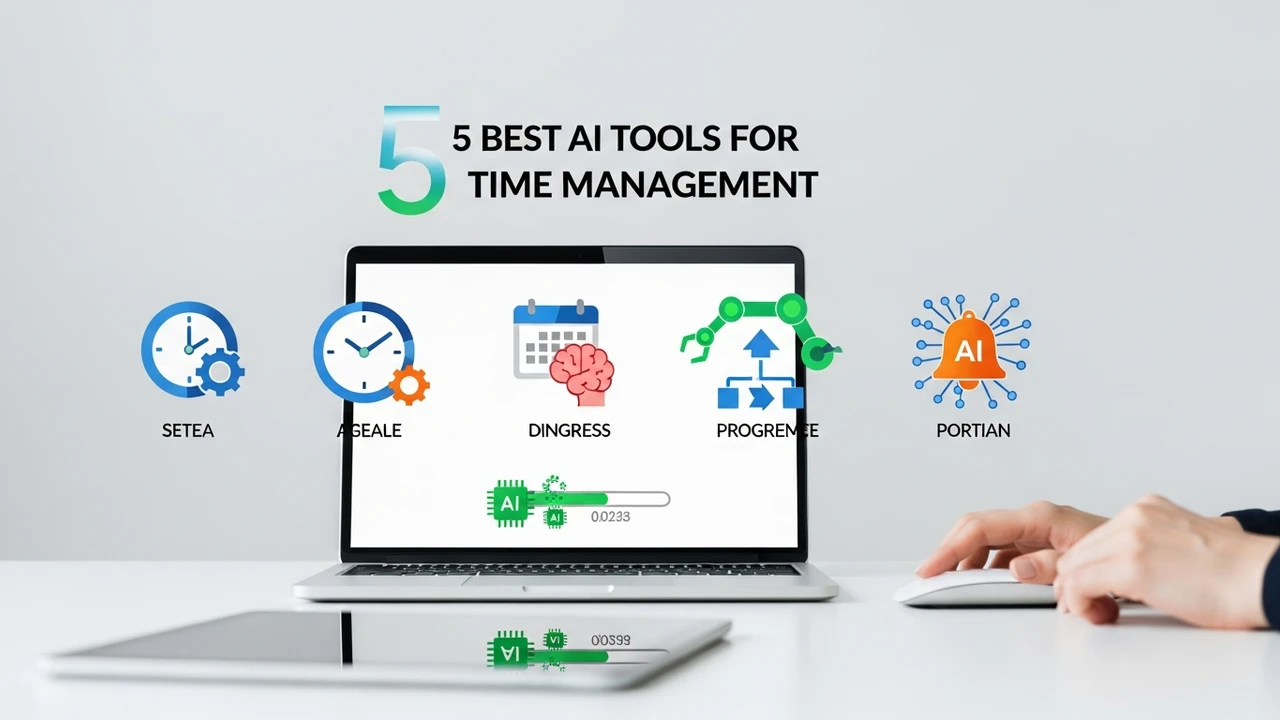
5 Best AI Tools for Time Management
Optimize your schedule with the 5 best AI time management tools. Learn how to block time, prioritize tasks, and avoid burnout.
We have all been there. You sit down at your desk with a massive to-do list, and by the end of the day, you feel like you have accomplished absolutely nothing. It is not that you are lazy; it is that the modern world is designed to distract us. Between Slack pings, endless emails, and the constant urge to check social media, our focus is shattered. This is where AI-powered time management tools come into play. They are not just glorified calendars; they are intelligent assistants that help you reclaim your day.
Understanding AI Time Management Software and Scheduling Automation
AI time management tools use machine learning algorithms to analyze your work habits, predict how long tasks will take, and automatically slot them into your calendar. Unlike traditional planners, these tools adapt to your energy levels and changing priorities. If a meeting runs long, the AI automatically shifts your remaining tasks to ensure you still hit your deadlines. It is like having a personal assistant who knows exactly when you are most productive and protects that time at all costs.
Top 5 AI Time Management Tools for Professionals
After testing dozens of platforms, we have narrowed down the top 5 tools that actually move the needle for productivity.
1. Motion
Motion is arguably the king of AI scheduling. It doesn't just track your tasks; it builds your entire day for you. You input your tasks, deadlines, and priorities, and Motion creates a perfect schedule. If you get interrupted, it reshuffles everything instantly. It is perfect for busy project managers and freelancers who struggle with task prioritization. Pricing starts at $19/month for individuals.
2. Reclaim AI
Reclaim is a brilliant tool for Google Calendar users. It focuses on 'habit building' and 'smart meetings.' It automatically finds the best time for your recurring tasks and protects your focus time. If someone tries to book a meeting during your deep work block, Reclaim can automatically decline it or suggest a better time. It is incredibly intuitive and offers a generous free tier.
3. Clockwise
Clockwise is all about team efficiency. It optimizes your team's calendars to create more 'Focus Time.' It moves flexible meetings to minimize fragmentation, ensuring everyone has long blocks of uninterrupted time to get actual work done. It is a game-changer for remote teams. Pricing is free for individuals, with team plans starting at $6.75/user/month.
4. Trevor AI
Trevor AI is a fantastic visual planner that bridges the gap between your to-do list and your calendar. It uses a drag-and-drop interface powered by AI to suggest time slots for your tasks. It is great for people who like to see their day laid out visually. The free version is quite capable, while the Pro version is $3.99/month.
5. Timeular
While primarily a time-tracking tool, Timeular uses AI to provide insights into where your time actually goes. It helps you identify 'time leaks'—those hours spent on low-value tasks that you didn't even realize were eating up your day. It is perfect for those who need data to improve their habits. Plans start at $9/month.
Comparing AI Scheduling Features and Pricing Models
When choosing the right tool, you need to consider your specific workflow. If you are a solo entrepreneur, Motion is likely your best bet because it handles the heavy lifting of scheduling. If you are part of a large team, Clockwise is superior because it coordinates schedules across multiple people. Reclaim is the best middle-ground for those who live in Google Calendar and want a 'set it and forget it' solution.
In terms of cost, most of these tools follow a SaaS subscription model. While $10 to $20 a month might seem like an extra expense, consider the value of your time. If these tools save you just two hours of wasted time per week, they have already paid for themselves ten times over.
Practical Use Cases for AI Productivity Tools
Imagine you are a content creator. You have to write, edit, and promote your work. Using an AI tool, you can block out 'Deep Work' sessions for writing in the morning when your brain is fresh. The AI will automatically schedule your administrative tasks, like email and social media engagement, for the afternoon when your energy naturally dips. This is the power of working with your biology rather than against it.
Another use case is for students or researchers. You can input your study sessions and deadlines, and the AI will break down large projects into manageable daily chunks. This prevents the 'all-nighter' panic and ensures steady progress throughout the semester. By automating the planning process, you remove the mental friction that leads to procrastination.
How to Avoid Burnout with AI Task Prioritization
Burnout often happens because we try to do too much in too little time. AI tools help by providing a realistic view of your capacity. When you see your calendar filled with tasks, you are forced to confront the reality of your time constraints. These tools often include 'buffer time' features, ensuring you have breaks between meetings. Remember, the goal of these tools is not to pack your day with more work, but to ensure that the work you do is meaningful and that you have time to recharge. Start small, pick one tool, and give it a week. You will be surprised at how much more you can achieve when you stop fighting your calendar and start letting AI manage it for you.
:max_bytes(150000):strip_icc()/277019-baked-pork-chops-with-cream-of-mushroom-soup-DDMFS-beauty-4x3-BG-7505-5762b731cf30447d9cbbbbbf387beafa.jpg)