Stable Diffusion vs Adobe Firefly for Commercial Use
We compare Stable Diffusion and Adobe Firefly to help you decide which AI image tool is safer and more efficient for commercial design projects.
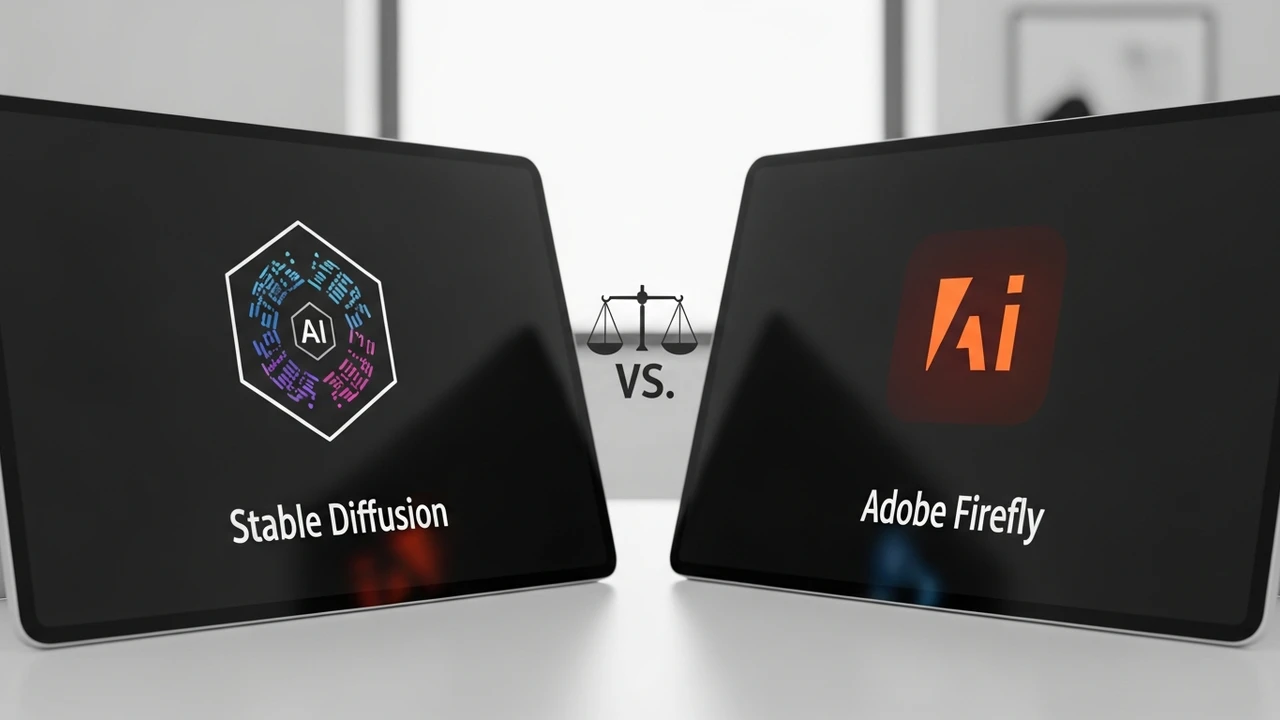
We compare Stable Diffusion and Adobe Firefly to help you decide which AI image tool is safer and more efficient for commercial design projects.
Stable Diffusion vs Adobe Firefly for Commercial Use
If you are a designer or a business owner, you have probably spent hours debating whether to jump into the world of AI-generated imagery. It is a wild west out there, and choosing the right tool for commercial work is not just about which one makes the prettiest pictures. It is about copyright, workflow integration, and legal safety. Today, we are diving deep into the battle between the open-source powerhouse Stable Diffusion and the corporate-friendly Adobe Firefly.
Understanding the Core Differences Between Stable Diffusion and Adobe Firefly
At its heart, Stable Diffusion is an open-source model developed by Stability AI. It is the ultimate sandbox. You can run it on your own hardware, train it on your own specific brand assets, and tweak every single parameter. On the other hand, Adobe Firefly is a closed, proprietary ecosystem built directly into the Creative Cloud suite. Adobe trained Firefly on their own stock image library, which is a massive deal for commercial users worried about copyright lawsuits. While Stable Diffusion gives you total control, Firefly gives you total peace of mind.
Legal Safety and Copyright Considerations for Commercial AI Art
Let’s talk about the elephant in the room: copyright. When you use an image for a billboard or a website, you need to know you own it. Adobe Firefly is designed specifically for commercial safety. Because it was trained on Adobe Stock images, they offer an indemnity clause for enterprise customers. This means if you get sued for copyright infringement, Adobe has your back. Stable Diffusion, however, is a bit more complicated. Because it was trained on a massive scrape of the internet, the legal waters are murkier. If you are a large corporation, the risk profile of Stable Diffusion might be too high compared to the structured safety of Firefly.
Workflow Integration and Ease of Use for Professional Designers
If you live in Photoshop, Adobe Firefly is a dream. You don't even have to leave your workspace. You can use Generative Fill to expand backgrounds, remove objects, or change clothing on a model with just a few clicks. It feels like magic because it is integrated into the tools you already know. Stable Diffusion is a different beast. You usually need to use a web interface like Automatic1111 or ComfyUI. It is powerful, but it is not exactly user-friendly for someone who just wants to get a job done quickly. You have to manage models, LoRAs, and checkpoints, which can be a steep learning curve for a busy creative team.
Comparing Performance and Customization Capabilities
When it comes to raw power, Stable Diffusion wins on customization. Want to train a model on your specific product? You can do that with Stable Diffusion using Dreambooth or LoRA training. You can control the lighting, the camera angle, and the style with surgical precision. Firefly is more of a 'black box.' You get what you get, and while you can influence the style, you don't have the same level of granular control. If you are doing high-end product photography where every pixel matters, Stable Diffusion is the tool that lets you push the boundaries.
Pricing Models for Businesses and Freelancers
Adobe Firefly operates on a credit-based system tied to your Creative Cloud subscription. It is predictable and easy to budget for. You pay your monthly fee, you get your credits, and you are good to go. Stable Diffusion is technically free if you run it locally on your own GPU. However, the 'cost' is in the hardware. You need a powerful graphics card, electricity, and the time to learn how to maintain the system. If you use a cloud-based service like DreamStudio or RunPod to host Stable Diffusion, you pay per generation, which can add up if you are doing high-volume work.
Choosing the Right Tool for Your Creative Workflow
So, which one should you pick? If you are a freelancer or a small agency that needs to stay within the Adobe ecosystem and wants zero legal headaches, Adobe Firefly is the obvious choice. It is fast, safe, and integrated. If you are a tech-savvy studio that needs total control over the output, wants to train custom models on your own proprietary data, and doesn't mind a bit of technical tinkering, Stable Diffusion is the king of the hill. Both tools are changing the game, and honestly, many pros are finding that they actually need both in their toolkit to cover all the bases.
:max_bytes(150000):strip_icc()/277019-baked-pork-chops-with-cream-of-mushroom-soup-DDMFS-beauty-4x3-BG-7505-5762b731cf30447d9cbbbbbf387beafa.jpg)