Top 5 AI Tools for Audio Synthesis
Explore the 5 best AI tools for audio synthesis. Learn how to create new sounds and textures for electronic music production.
Explore the 5 best AI tools for audio synthesis. Learn how to create new sounds and textures for electronic music production.
Top 5 AI Tools for Audio Synthesis
If you have been spending hours tweaking oscillators or hunting for the perfect sample, you know that sound design is often the most time-consuming part of music production. AI audio synthesis is changing the game, allowing producers to generate complex textures, unique timbres, and experimental soundscapes in seconds. Whether you are a bedroom producer or a professional sound designer, these tools are essential for your creative arsenal.
Understanding AI Audio Synthesis and Sound Design
AI audio synthesis uses neural networks to model sound waves, allowing for the creation of audio that has never existed before. Unlike traditional sampling, which relies on recorded audio, synthesis generates sound from scratch. This means you can create infinite variations of a sound without worrying about copyright or sample library limitations. From granular synthesis to wavetable manipulation, AI is pushing the boundaries of what is possible in electronic music.
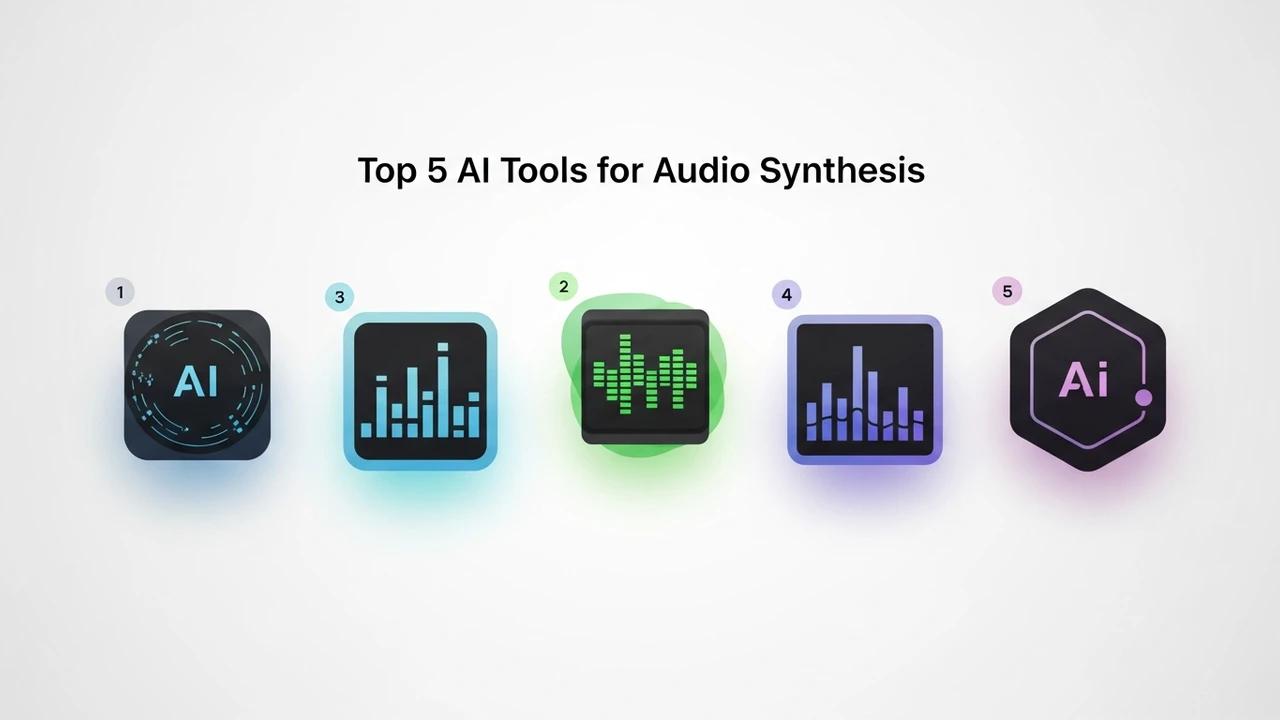
Top 5 AI Audio Synthesis Platforms for Producers
When looking for the best tools, you need to consider your specific workflow. Here are the top five contenders currently dominating the market.
1. Synplant 2 by Sonic Charge
Synplant 2 is arguably the most innovative tool in this space. Its Genopatch feature allows you to drag and drop any audio sample, and the AI will attempt to recreate that sound using its internal synthesis engine. It is incredibly intuitive and perfect for those who want to mimic organic sounds or complex textures.
2. Magenta Studio by Google
Built on TensorFlow, Magenta Studio offers a suite of plugins for Ableton Live. It is fantastic for generating MIDI patterns and evolving sounds. While it is more focused on composition, its ability to manipulate audio data makes it a powerful tool for experimental synthesis.
3. Orb Producer Suite
This suite is designed for those who need quick results. It uses AI to generate melodies, basslines, and arpeggios. It is less about raw sound design and more about musical structure, but it integrates perfectly with modern DAWs to speed up your workflow.
4. AIVA
AIVA is a powerhouse for those who need orchestral or cinematic textures. While it is primarily a composition tool, its ability to synthesize complex layers of sound makes it a secret weapon for electronic producers looking to add depth to their tracks.
5. AudioLDM
This is a text-to-audio model that allows you to describe a sound—like 'a metallic drone with a rhythmic pulse'—and it generates the audio file for you. It is the future of sound design, allowing you to prototype ideas before you even touch your synthesizer.
Comparing AI Synthesis Tools for Electronic Music
Choosing the right tool depends on your goals. If you want to recreate specific sounds, Synplant 2 is the clear winner. If you are looking for inspiration and melodic ideas, Orb Producer Suite or Magenta Studio will serve you better. For those who want to experiment with text-based generation, AudioLDM is the most cutting-edge option available today.
Pricing and Accessibility for Sound Designers
Most of these tools operate on a freemium or subscription model. Synplant 2 typically costs around $149, offering a one-time purchase for a lifetime of sound design. Magenta Studio is completely free, making it the best entry point for beginners. AIVA offers a free tier for personal use, with professional licenses starting at roughly $15 per month. AudioLDM is often available via open-source platforms like Hugging Face, though commercial implementations may vary in price.
Practical Use Cases for AI Sound Synthesis
Imagine you are working on a dark techno track and you need a specific industrial texture. Instead of spending hours layering kicks and metallic clangs, you can use AudioLDM to generate a base layer, then feed that into Synplant 2 to refine the timbre. This hybrid workflow is how modern producers are staying ahead of the curve. You can also use these tools to create custom drum kits, unique riser effects, or even ambient pads that evolve over time, giving your music a signature sound that no one else has.
The beauty of these tools is that they don't replace your creativity; they amplify it. By offloading the tedious parts of sound design to AI, you get to focus on the big picture—the arrangement, the emotion, and the story you are trying to tell with your music. Start experimenting with these tools today and see how they transform your production process.
:max_bytes(150000):strip_icc()/277019-baked-pork-chops-with-cream-of-mushroom-soup-DDMFS-beauty-4x3-BG-7505-5762b731cf30447d9cbbbbbf387beafa.jpg)