Top 5 AI Tools for Creating Custom Avatars
Create unique digital personas with the 5 best AI avatar generators. Compare style options, customization depth, and export formats.
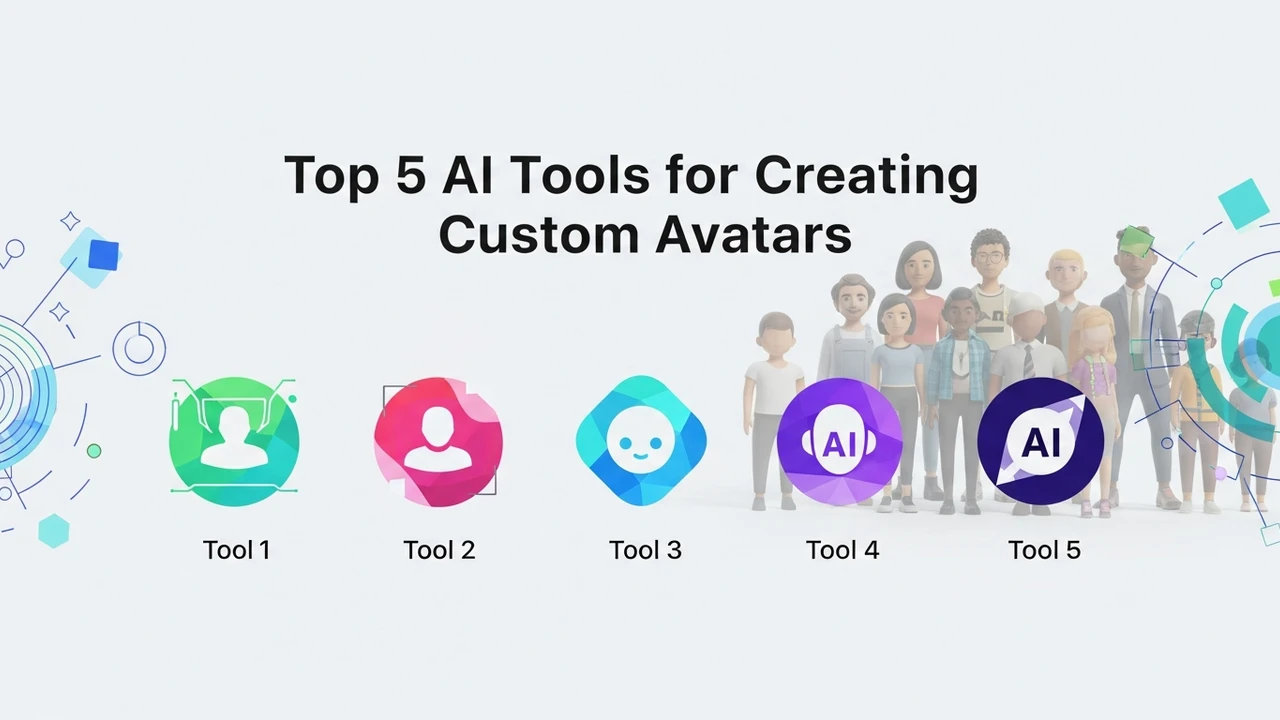
Top 5 AI Tools for Creating Custom Avatars
Create unique digital personas with the 5 best AI avatar generators. Compare style options, customization depth, and export formats.
Why You Need an AI Avatar Generator for Your Digital Presence
In the fast-paced world of digital content, your online identity is everything. Whether you are a streamer, a corporate professional, or a social media influencer, having a consistent and professional digital persona is key. AI avatar generators have revolutionized how we represent ourselves online, moving away from static profile pictures to dynamic, expressive, and highly customizable digital characters. These tools allow you to maintain privacy while building a recognizable brand across platforms.
Top 5 AI Avatar Generation Platforms Compared
Choosing the right tool depends on your specific needs, whether you want a realistic 3D model for gaming or a professional headshot for LinkedIn. Here are the top 5 contenders in the market today.
1. Ready Player Me
Ready Player Me is the industry leader for cross-platform 3D avatars. It is incredibly popular in the metaverse and gaming communities. You simply upload a selfie, and the AI generates a 3D model that you can use in thousands of apps and games. It offers deep customization for clothing, hairstyles, and accessories. Pricing is free for individuals, with enterprise tiers for developers.
2. Synthesia
If you are looking for a professional AI avatar for corporate training or marketing videos, Synthesia is the gold standard. It creates hyper-realistic human avatars that can speak any text you provide. It is perfect for businesses that need to scale video production without hiring actors. Pricing starts at approximately $22 per month for personal plans.
3. HeyGen
HeyGen is a direct competitor to Synthesia, known for its incredible lip-syncing accuracy and diverse range of avatar styles. It is particularly useful for creating personalized sales videos or educational content. The platform offers a free trial, with paid plans starting around $29 per month.
4. Avaturn
Avaturn focuses on creating high-fidelity 3D avatars from just a few photos. It is widely used by game developers and VR enthusiasts who need a realistic representation of themselves in virtual environments. The level of detail in facial features is impressive. They offer a credit-based pricing model, making it accessible for one-off projects.
5. Character AI
While slightly different, Character AI allows you to create a persona that not only looks unique but also has a distinct personality. You can train your avatar to speak, act, and respond like a specific character. It is free to use, with a subscription option for faster response times.
Key Features to Look for in AI Avatar Tools
When evaluating these tools, consider the export formats. If you are a video creator, you need MP4 or transparent background support. If you are a gamer, you need GLB or FBX files for integration into game engines like Unity or Unreal Engine. Customization depth is another factor; some tools allow you to tweak every facial feature, while others rely on preset templates.
Use Cases for AI Avatars in Modern Workflows
The applications are endless. Content creators use them to hide their identity while maintaining a personal connection with their audience. Corporate teams use them to create multilingual training videos without needing to re-record. Gamers use them to create a unified identity across different virtual worlds. Even in customer support, AI avatars are being used to provide a more human-like interaction for automated chat systems.
Pricing and Accessibility Considerations
Most of these tools operate on a freemium model. For casual users, the free versions are usually sufficient. However, if you are looking for commercial rights, high-definition exports, or custom voice cloning, you will likely need to invest in a monthly subscription. Always check if the tool offers a commercial license, especially if you plan to use the avatars for paid advertisements or branded content.
Getting Started with Your First AI Avatar
To get the best results, always use a high-quality, well-lit photo of yourself. Avoid wearing glasses or hats if the tool specifically asks for a clear view of your facial structure. Once you have your base avatar, spend time experimenting with the different clothing and style options. Most platforms allow you to save multiple versions, so don't be afraid to create a few different looks for different platforms—perhaps a professional one for LinkedIn and a more stylized, fun version for your gaming channels or social media profiles.
:max_bytes(150000):strip_icc()/277019-baked-pork-chops-with-cream-of-mushroom-soup-DDMFS-beauty-4x3-BG-7505-5762b731cf30447d9cbbbbbf387beafa.jpg)